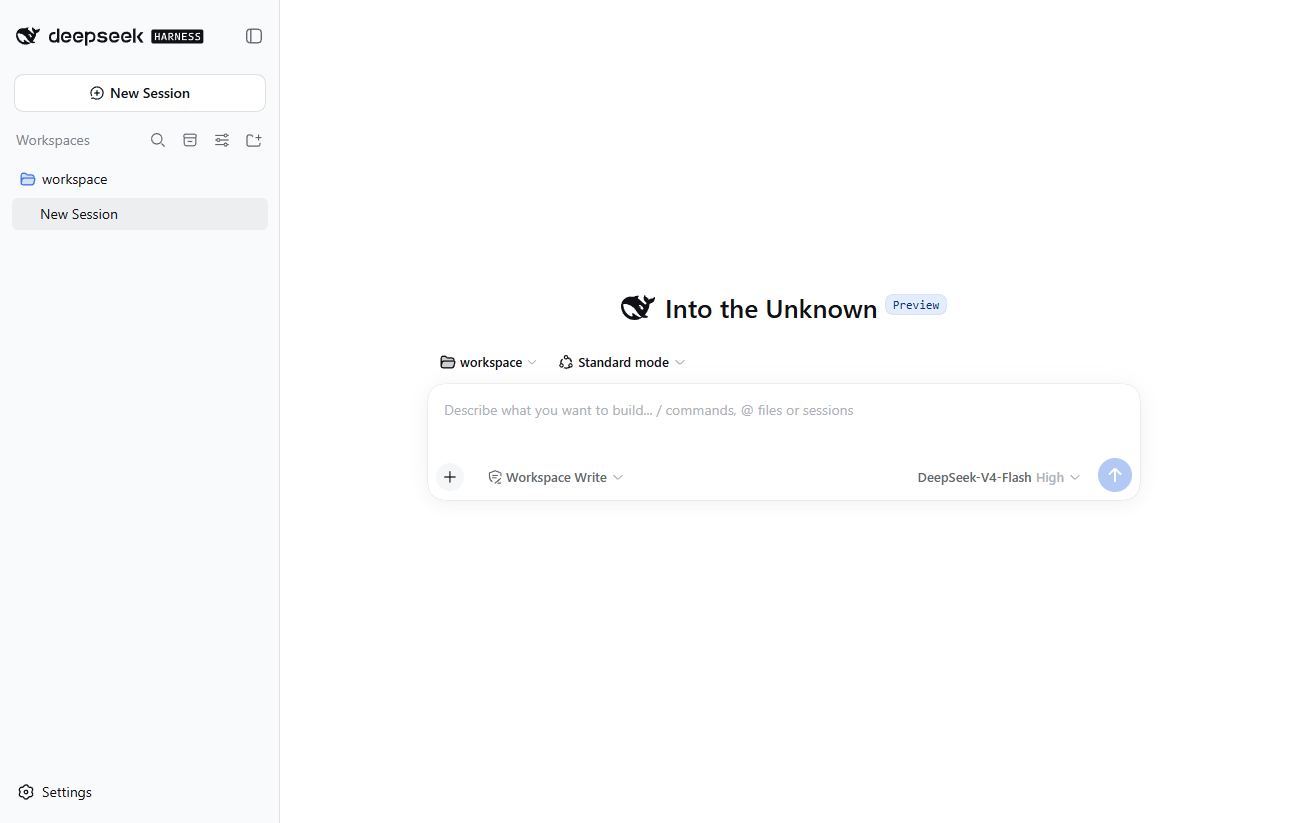
OFFICIAL DESKTOP
DeepSeek official desktop app
- Installers for Windows x64 and Apple silicon Macs.
- Follows the official release schedule.
- A good fit if you want an installed app on one computer.
 DSH-Portable
DEEPSEEK HARNESS / PORTABLE EDITION
One folder for your sessions, settings, plugins, and workspace.
Move it on the same platform; update Portable and core separately.
For most users, we recommend the official DeepSeek Harness Desktop ↗.
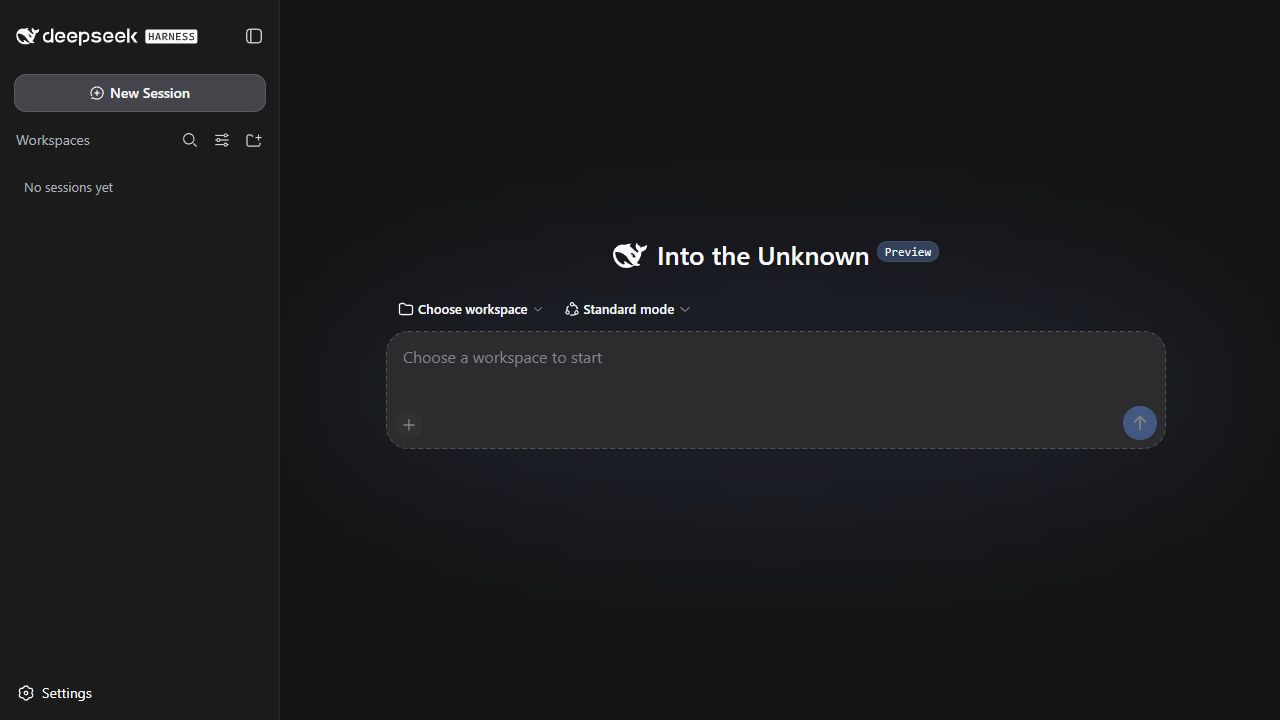
01 / TAKE IT WITH YOU
Sessions, settings, plugins, and the default workspace stay together. Fully exit, then copy the folder to a USB drive or another computer with the same OS and architecture.
runtime/Program components and runtimedata/Sessions, settings, and pluginsworkspace/Your default workspace02 / CHOOSE YOUR ROUTE
We recommend the official desktop app for most users. Choose DSH-Portable if you want to carry the app and data together in one folder.
OFFICIAL DESKTOP
DSH-PORTABLE
DSH-Portable is an independent community project. Hands-on maintenance and Portable releases may become less frequent. The focus will be on portability, compatibility, and important fixes.
If you need a portable edition, start with stable 0.x.
03 / MAKE ROOM FOR MORE
Portable ships without preinstalled community plugins. Install and manage them in DSH’s Plugins page.
04 / AT HOME ON YOUR DESKTOP
Portable and core can update separately, with compatible core versions to choose from. Rollback and recovery tools help preserve personal data.
Sidebar controls, back and forward, and keyboard shortcuts. Light or dark, the way you prefer.
Choose a compatible core version in update settings. Data-preserving rollback and recovery tools keep your work in place.
Startup records and support reports help trace problems. Repair tools rebuild reproducible components while keeping user data.
GET STARTED
Choose a download, connect a model service, and manage plugins as needed. Guide in Chinese.
02Same-platform migration and backup: what to take with you. Guide in Chinese.
03The 1.0 preview runs the official app itself; sessions, settings, plugins, and sign-in stay in the folder. Guide in Chinese.
Get DSH-Portable
Choose your operating system and architecture. Downloads are hosted on GitHub Releases.
For first use with internet access. Run the launcher to create a portable folder beside it.
Extract and run. Data stays in the same directory.
Grant execute permission and run. Data stays in the adjacent directory.
Update files are for an existing installation. The complete offline ZIP above includes WebView2 for first-time deployment. See the offline update guide for download steps.
Windows files are not digitally signed and may trigger SmartScreen or a Windows Security false positive; download only from GitHub Releases, compare the checksums, and see the user guide if a file is removed. User data stays in data/ and the default workspace in workspace/. Read the code-signing policy.
FAQ
No. DSH-Portable is an independent community project, not an official DeepSeek app, and is not endorsed by DeepSeek. The official desktop app is installer-based; see the official desktop app.
No separate Node.js installation is needed to use a packaged stable 0.x build. That is a runtime fact, not the main difference from the official installer.
Fully exit, then copy the whole folder to a USB drive or a computer with the same OS and architecture. Sessions, settings, plugins, and the default workspace move together.
Portable and core update separately, and you can choose a core version. Updates keep user data and the workspace in place; data-preserving rollback and recovery tools are included.
If you need a portable edition, start with stable 0.x for Windows, macOS, or Linux. The 1.0 preview runs the official desktop app itself; it is a Windows x64 release candidate and can sit next to 0.x. About the 1.0 preview (in Chinese).
Release files are not digitally signed yet and are occasionally misjudged. Download only from GitHub Releases and compare the checksums; the user guide covers restoring the file and reporting the false positive.